Questions? Call Toll-free: 888-834-2392 • Live Tech Support 8am-5pm M-F ET • Visit our Support Knowledge Base


Questions? Call Toll-free: 888-834-2392 • Live Tech Support 8am-5pm M-F ET • Visit our Support Knowledge Base

GearPlayer 5 Transcription Software – Annual Subscription
$49.95
Designed for today’s transcription professionals with a cleaner, faster experience that helps you stay focused, organized, and productive throughout the workday.
Trusted Transcription Software, Rebuilt for Modern Workflows
Designed for today’s transcription professionals with a cleaner, faster experience that helps you stay focused, organized, and productive throughout the workday.
GearPlayer 5 combines a streamlined interface, improved playback performance, workflow-focused tools, and ongoing updates to support modern medical and legal transcription environments.
Explore GearPlayer 5
Compatible with a wide range of professional transcription workflows, audio formats, and recording devices.
Built Around the Way Transcription Professionals Work
GearPlayer 5 was designed to provide a smoother, more focused transcription experience without unnecessary complexity. From startup to playback to file management, every part of the workflow has been refined to improve clarity, reduce interruptions, and help professionals stay productive throughout the day.
The updated interface introduces a cleaner layout with improved readability, simplified navigation, and streamlined controls designed for long transcription sessions. Behind the scenes, an improved playback engine and updated system architecture provide faster performance, better responsiveness, and support for larger workloads without slowing down your workflow.
Whether working with medical dictation, legal recordings, interviews, or other professional audio files, GearPlayer 5 delivers the reliability and control transcription professionals depend on every day.
A Cleaner, More Focused Workspace
Designed for Clarity and Comfort
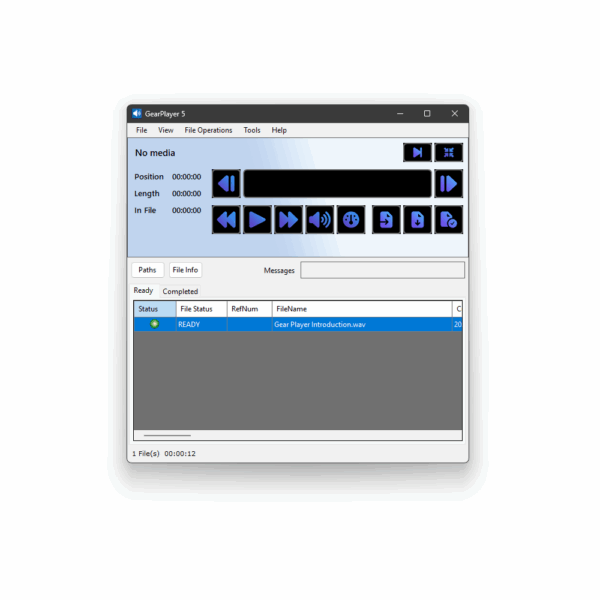
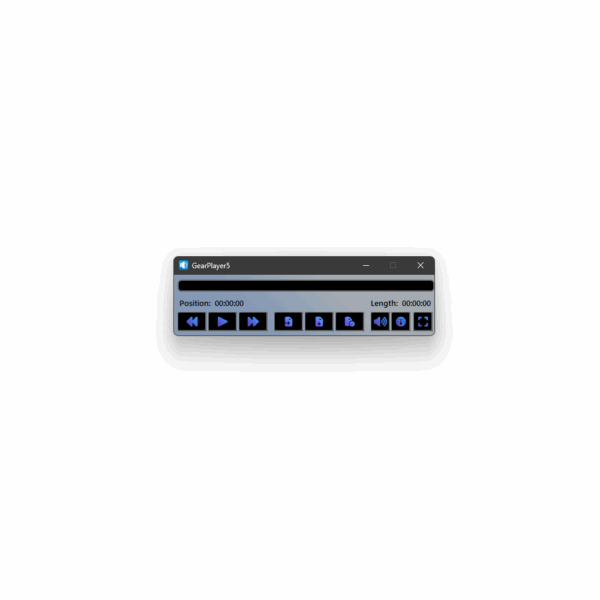
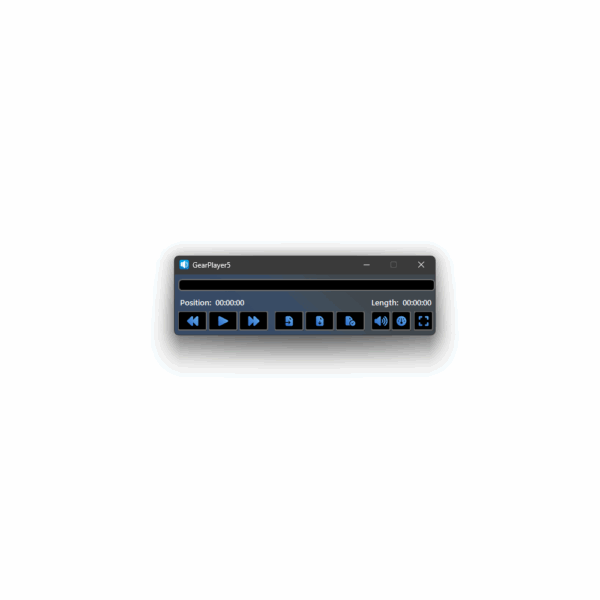
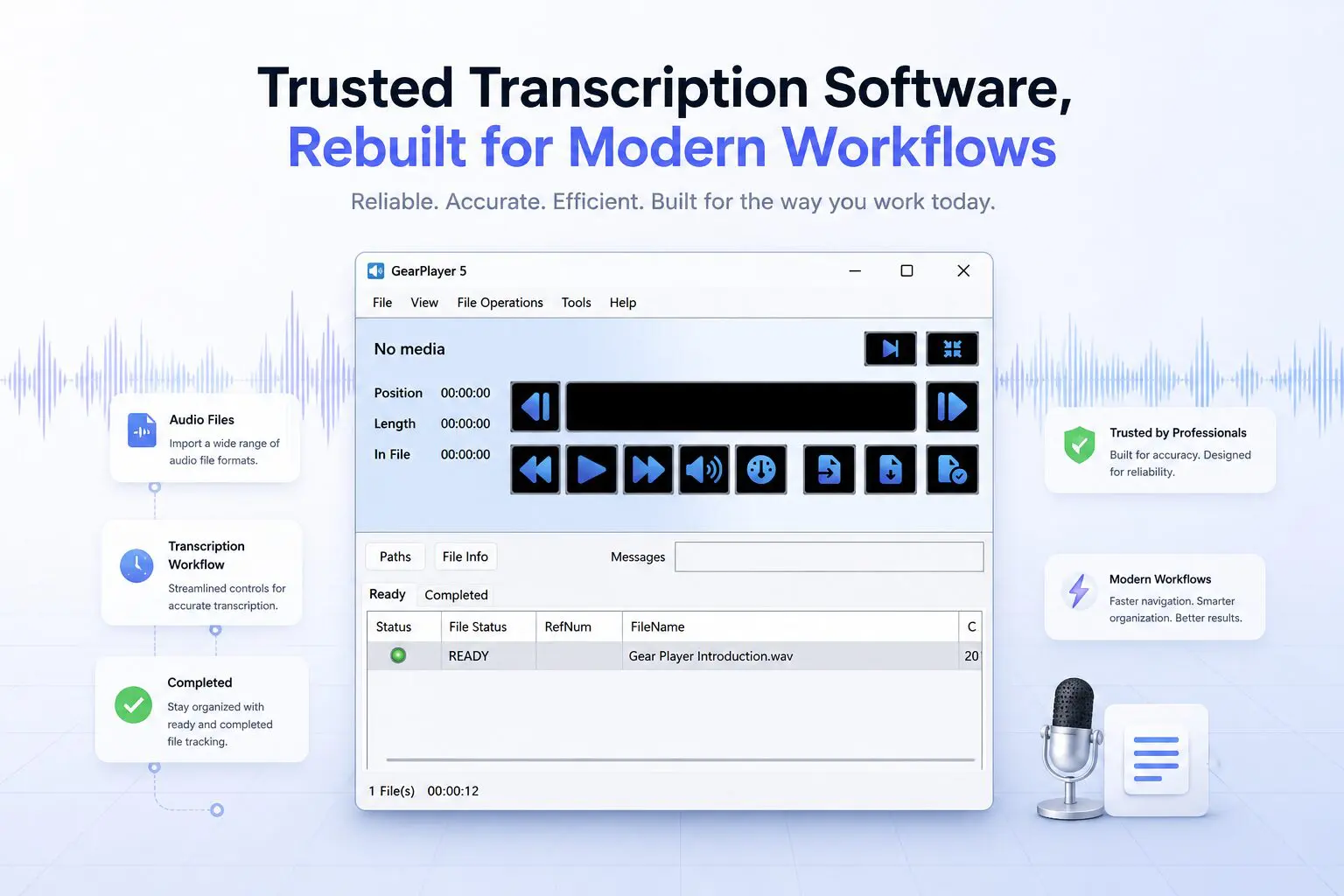
GearPlayer 5 introduces a redesigned workspace focused on readability, organization, and ease of use. The updated interface reduces visual clutter while keeping essential playback and file management tools within easy reach.
Larger text, cleaner spacing, higher contrast elements, and simplified navigation help create a more comfortable experience during extended transcription sessions. Updated playback controls use familiar system-style icons, while a streamlined layout helps reduce unnecessary distractions throughout the workday.
Key Improvements
- Modernized interface designed for Windows 10 and Windows 11 environments
- Simplified workspace layout with improved organization
- Streamlined playback toolbar with familiar controls
- Larger fonts and improved readability
- Cleaner spacing and higher contrast visual elements
- Simplified workflow navigation
- Updated file operation menus for easier task management
- Improved file status visibility and organization
Performance Built for Daily Workloads
Faster Startup. Smoother Playback. Improved Stability.
GearPlayer 5 was built to handle the demands of modern transcription workflows with improved responsiveness and more efficient system performance.
A redesigned audio engine provides smoother playback handling and improved device management, allowing users to switch between headphones, speakers, and other audio devices without restarting the application. Playback tracking has also been refined to provide more precise control while reviewing audio files.
The updated platform is optimized to manage larger work lists and high file volumes while maintaining consistent performance throughout the workday.
Performance Improvements
- Faster application startup
- Redesigned audio engine for improved playback performance
- No restart required when changing audio output devices
- Improved playback tracking and time positioning
- Optimized handling for large work lists and file volumes
- Reduced background complexity for smoother operation
- Improved file management visibility with dedicated Paths and Messages tabs
Productivity Tools That Support Your Workflow
Built to Help You Stay Focused and Organized
GearPlayer 5 includes workflow-focused tools designed to help transcription professionals manage daily activity more efficiently while maintaining control over playback and file organization.
Integrated silence detection can automatically skip silent sections during playback, while optional voice controls provide hands-free access to common commands such as play, pause, and rewind. A searchable command palette makes it easier to locate keyboard shortcuts and available speech commands from a single location.
New productivity tracking tools provide additional visibility into workflow activity, including file status tracking, daily activity summaries, and progress monitoring throughout the workday.
Workflow & Productivity Features
- Audio silence detection
- Optional voice playback controls
- Searchable command palette for hotkeys and commands
- Productivity dashboard with workflow tracking tools
- Daily activity audit logs
- File state tracking and organization tools
- Daily and weekly chart views
- Goal tracking for workflow metrics and productivity monitoring
- Integrated audio equalizer with presets and custom profiles
- Spectrum analyzer visualization tools
Built for Long-Term Reliability
Ongoing Updates and Professional Support
GearPlayer 5 is designed as an actively maintained transcription platform focused on long-term compatibility, ongoing improvements, and dependable day-to-day performance.
Regular updates help support evolving operating systems, professional workflows, and playback environments while continuing to improve overall usability and stability over time.
Customers also continue to receive access to the experienced support team transcription professionals have trusted for years.
Compatible with Professional Transcription Workflows
Built to Work Within Your Existing Environment
GearPlayer 5 is designed to support the daily workflows transcription professionals rely on across medical, legal, and general transcription environments.
The platform supports a wide range of professional audio formats and recording sources commonly used throughout the transcription industry, helping users manage files from multiple devices and dictation systems within a single, organized workspace.
With improved file handling, clearer workflow visibility, and optimized work list performance, GearPlayer 5 helps maintain a consistent transcription experience across both individual and high-volume workloads.
Workflow Compatibility Features
- Support for a wide range of professional audio formats
- Compatibility with common digital recorders and speech microphones
- Improved file organization and workflow visibility
- Dedicated Paths and Messages tabs for file tracking and logging
- Optimized handling for larger work lists and high-volume workflows
- Simplified file operation management
- Clearer file status tracking throughout the workflow process
Professional Support You Can Rely On
Backed by a Team That Understands Transcription Work
Reliable software is only part of a dependable transcription workflow. GearPlayer 5 is supported by an experienced team that understands the day-to-day demands transcription professionals face and works directly with customers to help resolve technical issues quickly and effectively.
From installation assistance to workflow troubleshooting, our support team is committed to helping customers maintain a stable and productive transcription environment.
As GearPlayer 5 continues to evolve, customers can expect ongoing improvements, compatibility updates, and continued support designed to keep workflows running smoothly.
Simple Access to Ongoing Updates
Designed for Long-Term Reliability and Continued Improvement
GearPlayer 5 is offered through an annual subscription that includes continued access to software updates, compatibility improvements, and ongoing support.
This approach allows the platform to continue evolving alongside modern operating systems, professional hardware, and changing workflow needs while helping ensure customers always have access to the latest supported version of GearPlayer.
Eligible GearPlayer customers may also qualify for promotional upgrade periods as part of the GearPlayer 5 launch.
Included With Your Subscription
- Ongoing software updates
- Compatibility improvements
- Continued platform enhancements
- Access to technical support
- Long-term product maintenance
A Modern Transcription Experience Built for Daily Professional Work
GearPlayer 5 combines trusted workflow reliability with a cleaner interface, improved playback performance, workflow-focused productivity tools, and ongoing support designed for today’s transcription environments.
Explore GearPlayer 5
GearPlayer Kits include
Software Only
- GearPlayer 5 Download
Software with USB Foot Pedal and Headset adds:
- USB Foot Pedal
- Caliber Transcription Headset
Software with USB Foot Pedal, Headset, Line Counting Utility, more, adds:
- GearCount Bulk Line Counting Utility
- 10-Pack of extra ear cushions
Operating System
- Microsoft Windows 11™
Processor (CPU)
- 2 vCPU with a 1.6 GHz or faster processor
- For higher screen resolutions or optional audio processing, 4 CPU cores or greater are recommended
Memory (RAM)
- 4 GB RAM
Storage
- 4 GB or more of available hard drive space
Graphics
- DirectX 9 or later with WDDM 1.0 driver
Display
- Minimum resolution: 1280 × 768
- Multiple monitors and high-resolution display modes are supported
Audio Output
- External speakers or headset
Audio Input
- External microphone, internal microphone, or headset microphone
Connectivity
- Internet connection required
Optional Hardware
- USB port for foot pedal connection
| Usually Ships | |
|---|---|
| Local Availability | |
| Brand | |
| Warranty | 30-Day TranscriptionGear.Com Satisfaction Guarantee, Software – Replacement Only |
| Software Category | |
| Supported OS |
Only logged in customers who have purchased this product may leave a review.
Related products
-

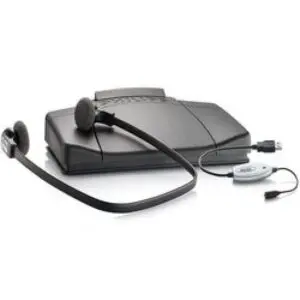
Philips LFH5230 Transcription Set with Foot Pedal and Headset
lfh5230$159.00 -
GearCount Bulk Line Counting Utility Software
gc1$49.95 -
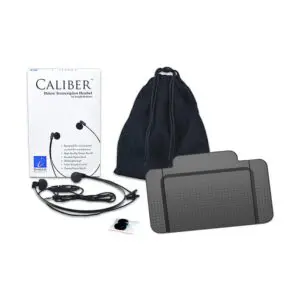
USB Foot Pedal and Insight Caliber Headset Bundle
inscakusbfp$93.94 -
GearFTP File Transfer Service
gearftp$49.98

Reviews
There are no reviews yet.